 MauToken
POST /v1/chat/completions
OpenAI format
Use the OpenAI SDK or call the endpoint directly. Streaming is supported.
One API key for many models. Compatible with OpenAI and Anthropic, billed per token, top up with QRIS or e-wallet.
https://api.mautoken.cloud/v1
Change the base URL and API key, and you are done. No custom SDK to install.
POST /v1/chat/completions
Use the OpenAI SDK or call the endpoint directly. Streaming is supported.
POST /v1/messages
Works with Claude Code and other tools that speak the Anthropic API.
Works with tools that support the OpenAI or Anthropic API, such as
Pay with QRIS, virtual account, or e-wallet. Your balance updates automatically once payment is confirmed.
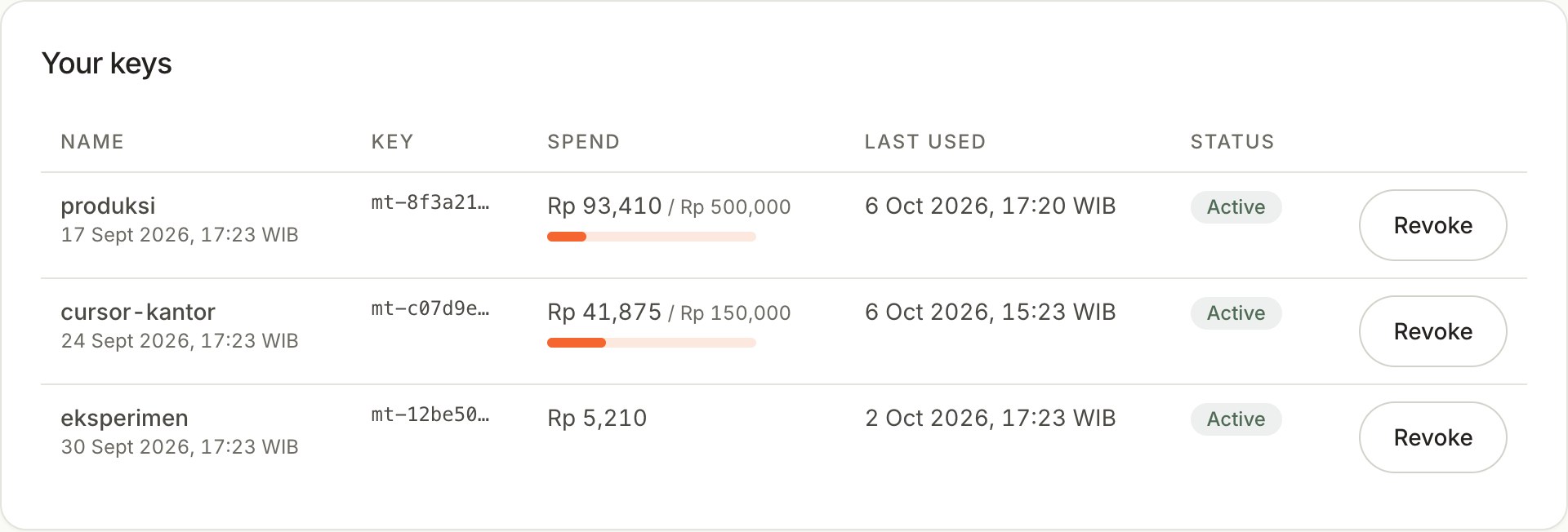
Set a spend limit and a per-minute limit. The key is shown once, so store it in an environment variable.
Point your SDK or tool at the MauToken base URL, pick a model, and go.
curl https://api.mautoken.cloud/v1/chat/completions \
  -H "Authorization: Bearer $MAUTOKEN_API_KEY" \
  -H "Content-Type: application/json" \
  -d '{
    "model": "MODEL_ID",
    "messages": [{"role": "user", "content": "What is an API?"}],
    "max_tokens": 300
  }'
import os
from openai import OpenAI
client = OpenAI(
base_url="https://api.mautoken.cloud/v1",
api_key=os.environ["MAUTOKEN_API_KEY"],
)
resp = client.chat.completions.create(
model="MODEL_ID",
messages=[{"role": "user", "content": "What is an API?"}],
max_tokens=300,
)
print(resp.choices[0].message.content)import OpenAI from "openai";
const client = new OpenAI({
baseURL: "https://api.mautoken.cloud/v1",
apiKey: process.env.MAUTOKEN_API_KEY,
});
const resp = await client.chat.completions.create({
model: "MODEL_ID",
messages: [{ role: "user", content: "What is an API?" }],
max_tokens: 300,
});
console.log(resp.choices[0].message.content);Replace MODEL_ID with a model name from the Models & pricing page in the dashboard.
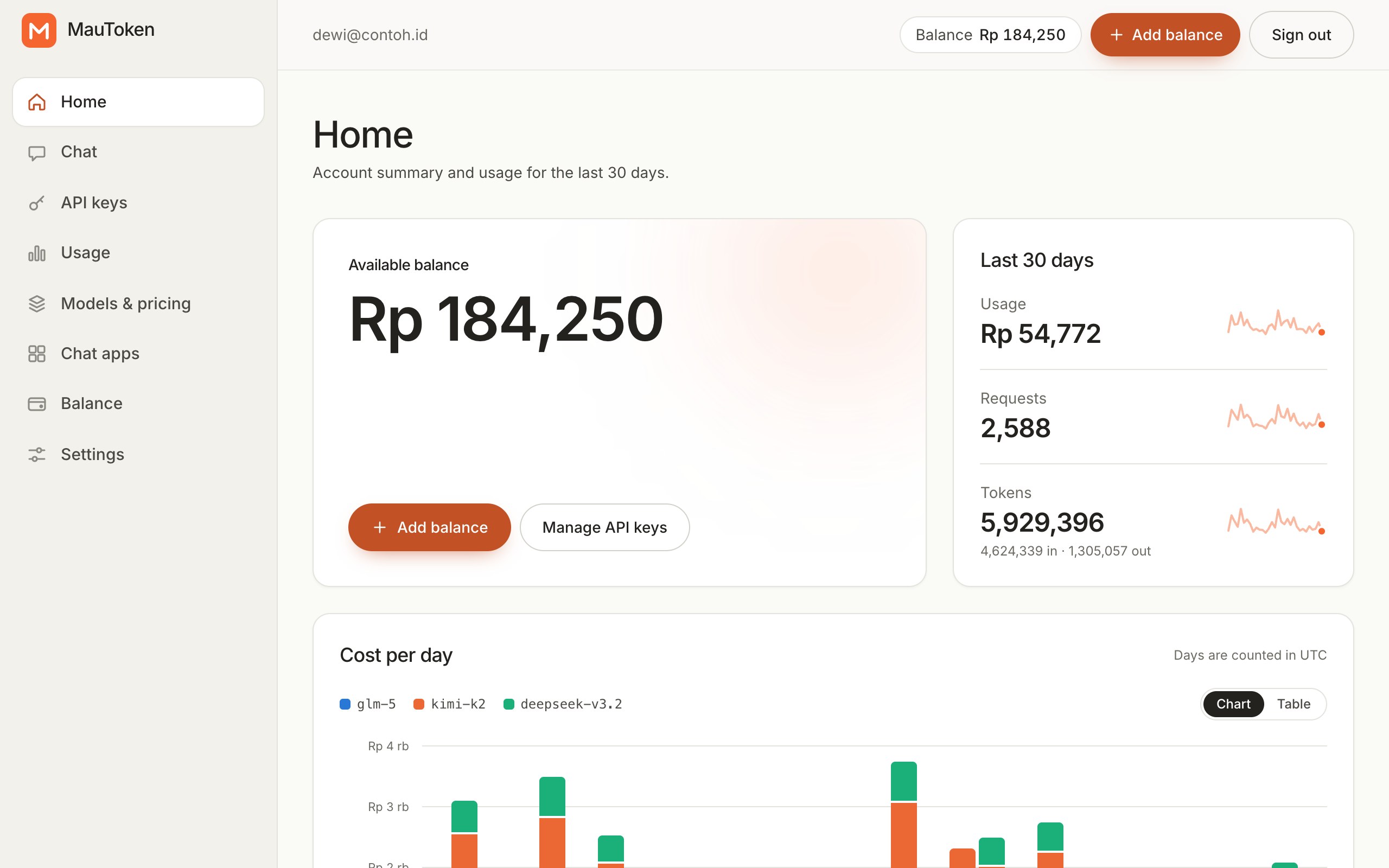
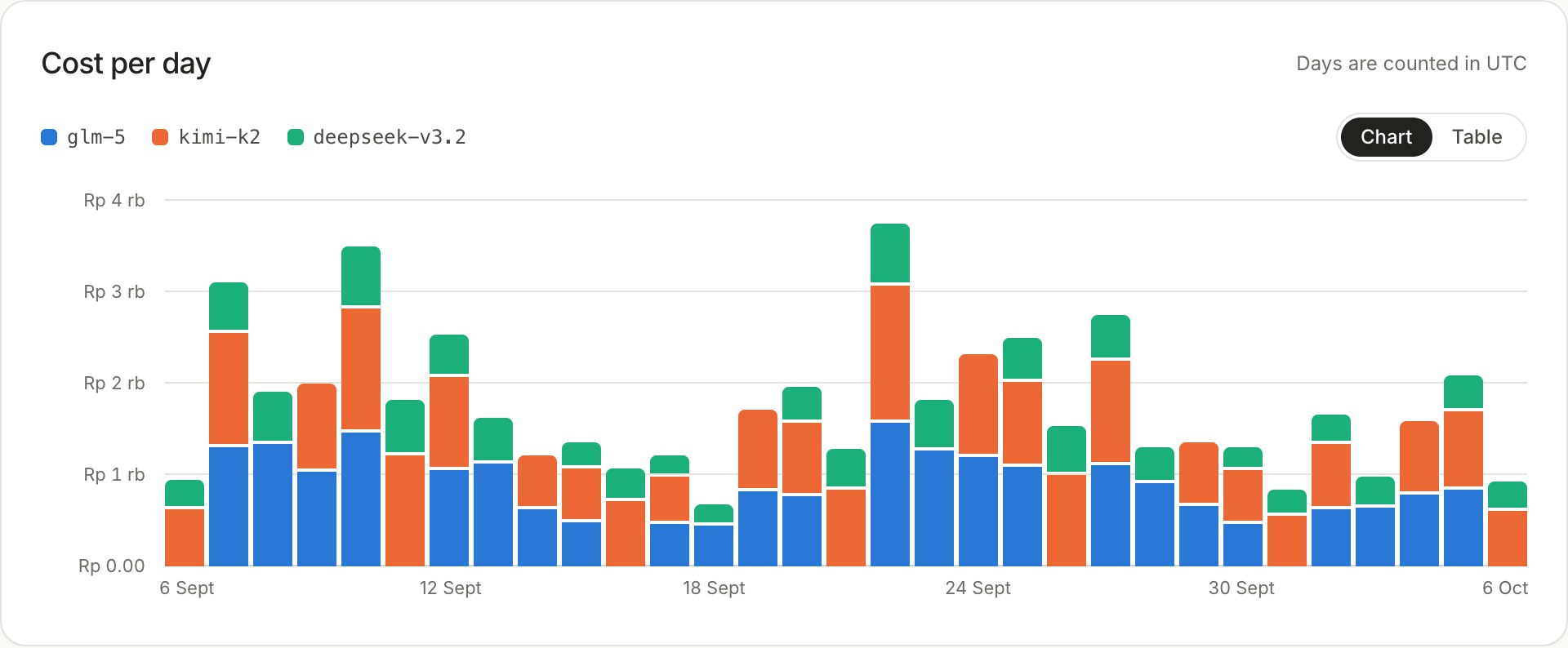
Cost per day, per model, and per key. Download a CSV for your books.
Every key has its own limits, so a wasteful tool cannot drain your balance.
Prepaid balance in Rupiah, no subscription. Payments run through DOKU.
Try models without writing code, with the same account and the same balance. Conversation history is kept in your account and can be deleted at any time.
Open chat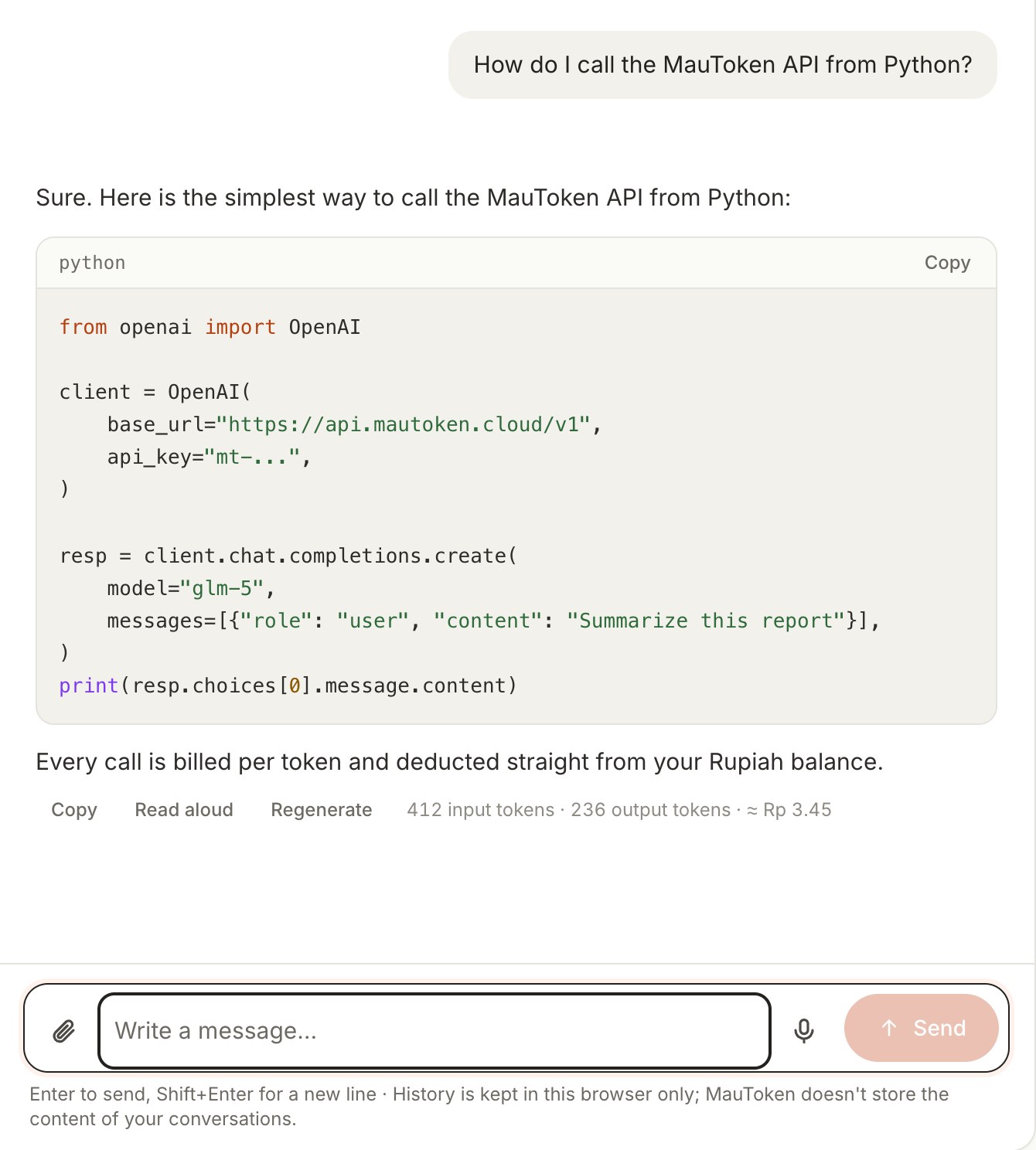
Before a request runs, part of your balance is held as a guarantee. When it finishes, only the tokens actually used are charged.
The highest possible cost of the request is held from your balance.
The model answers. Streaming is passed through as is.
The real cost is taken from the hold and the rest returns instantly.
Yes. The /v1/chat/completions endpoint follows the OpenAI format and /v1/messages follows the Anthropic format, both with streaming. Just change the base URL and API key.
From the Balance page in the dashboard. Available methods are listed there, and your balance updates automatically once payment is confirmed.
Prices in Rupiah per 1 million tokens are shown on the Models & pricing page and in GET /v1/models. Prices can change, and a change applies to later requests.
The request is rejected with a 402 before it is forwarded to the model, so you are never billed for an answer that was never delivered.
Not in our logs. We record request metadata (model, token counts, cost, status, time) for billing. Requests are forwarded to the model provider, which has its own policy. The exception is our chat app: its conversation history is stored on our servers so you can open it from any device, and you can delete it at any time.
The OpenAI Responses API, embeddings, images, audio, fine-tuning, batch, and file uploads are not available. Calling directly from a browser is also unsupported: call from your server.